
Webflow & Framer · · 3 min read
8 Portfolio Website Templates for Designers, Photographers and Agencies
Your portfolio should make your work the star, not the template. Here are eight portfolio designs for designers, photographers and agencies, and how to choose between them.
By Florent, Oversight
A portfolio website has a simple job: show your best work, show who you are, and make it easy to get in touch. The best portfolio templates get out of the way of the work while still giving it some personality.
Here are eight portfolio templates from the Oversight Supply catalog, grouped by who they suit, plus what to think about before you choose. If you haven't picked a platform yet, start with Webflow vs Framer.
For designers
Cherry (Framer)
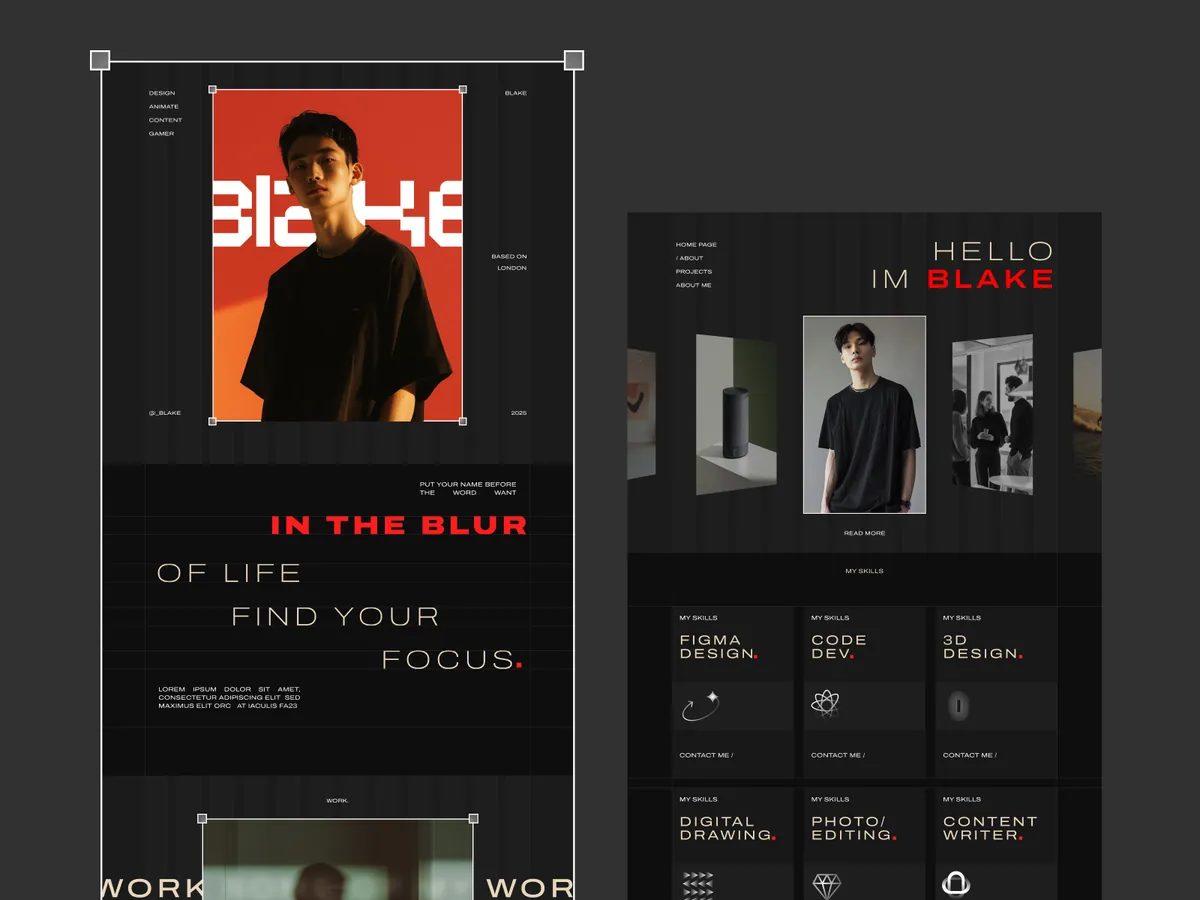
A portfolio styled like a design tool, with frames and selection boxes around your work. A fun, self-aware choice for product and UI designers, and it's free on the Framer Marketplace. See Cherry.
Easiest (Webflow)
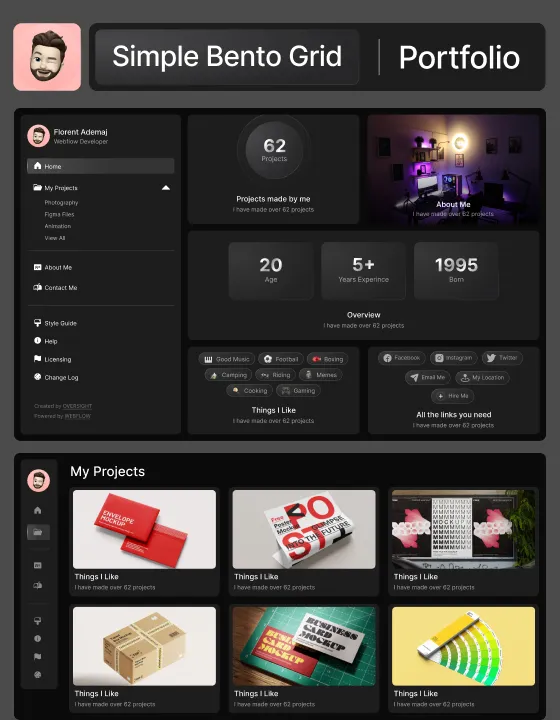
A dark portfolio built on bento grids, so your projects, stats and skills sit together like a dashboard. Good if you want a lot of information on one screen without it feeling crowded. See Easiest.
Beauté (Webflow)
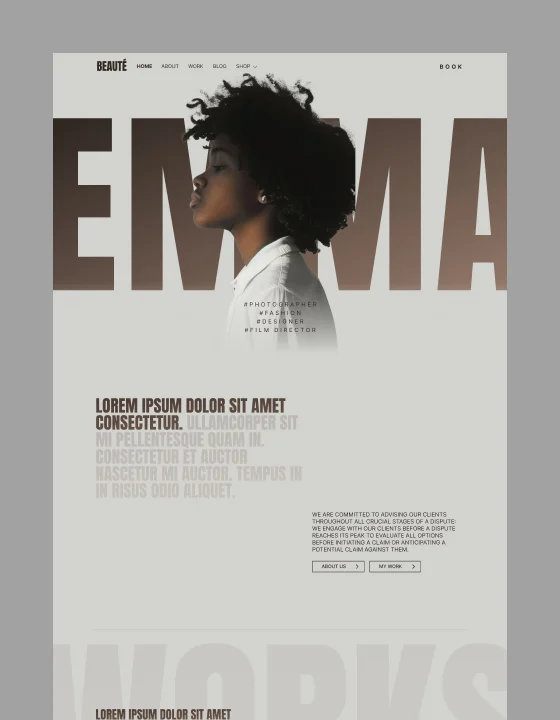
A stylish one-page portfolio with your name set huge behind a portrait. Great when your personal brand matters as much as the work. See Beauté.
For photographers and video makers
Alien (Webflow)
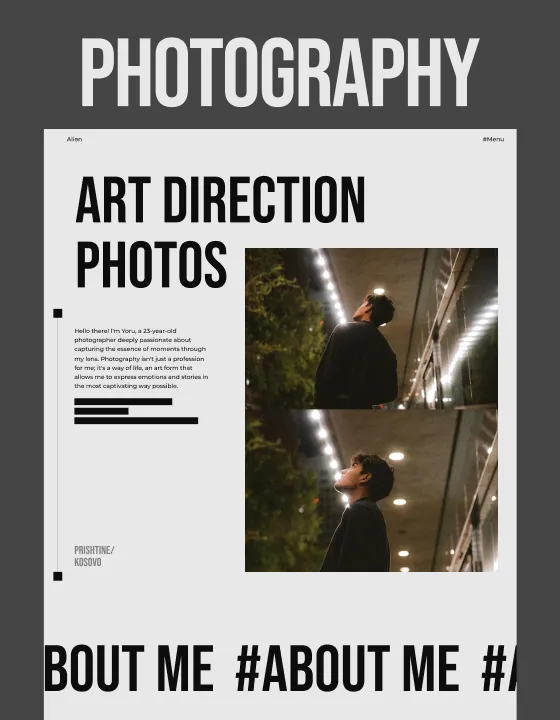
A bold one-page template with tall, condensed headlines and large photos, made for photography, art direction and graphic design. See Alien.
Campione (Webflow)
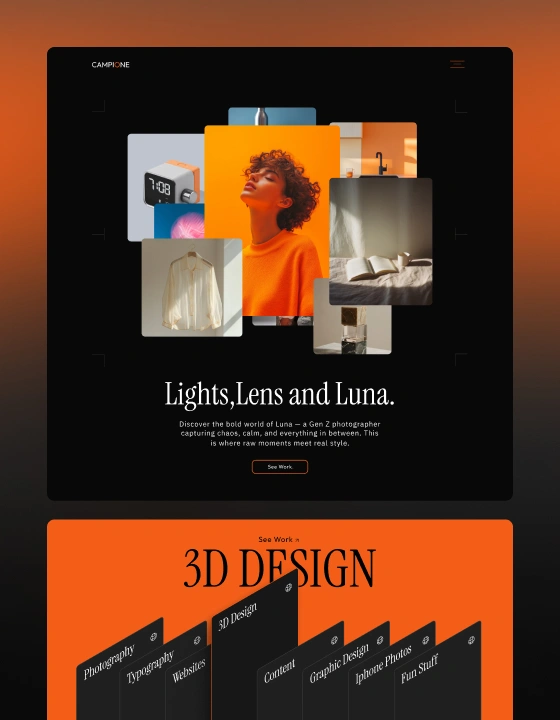
A dark template with layered images and bright orange accents, built for photography and video portfolios that want energy. See Campione.
For creative agencies and studios
Elytra (Webflow)
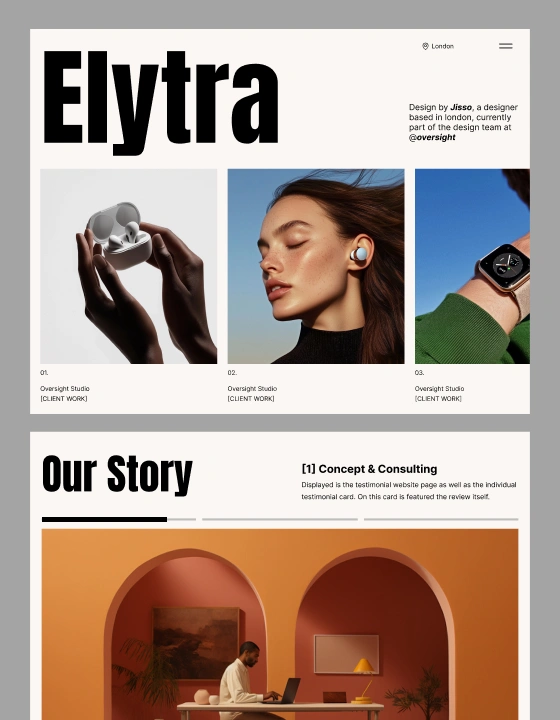
A clean white template with a big wordmark, large type and special hero animations. It suits studios and freelancers who want an editorial, confident feel. See Elytra.
Altverse (Webflow)
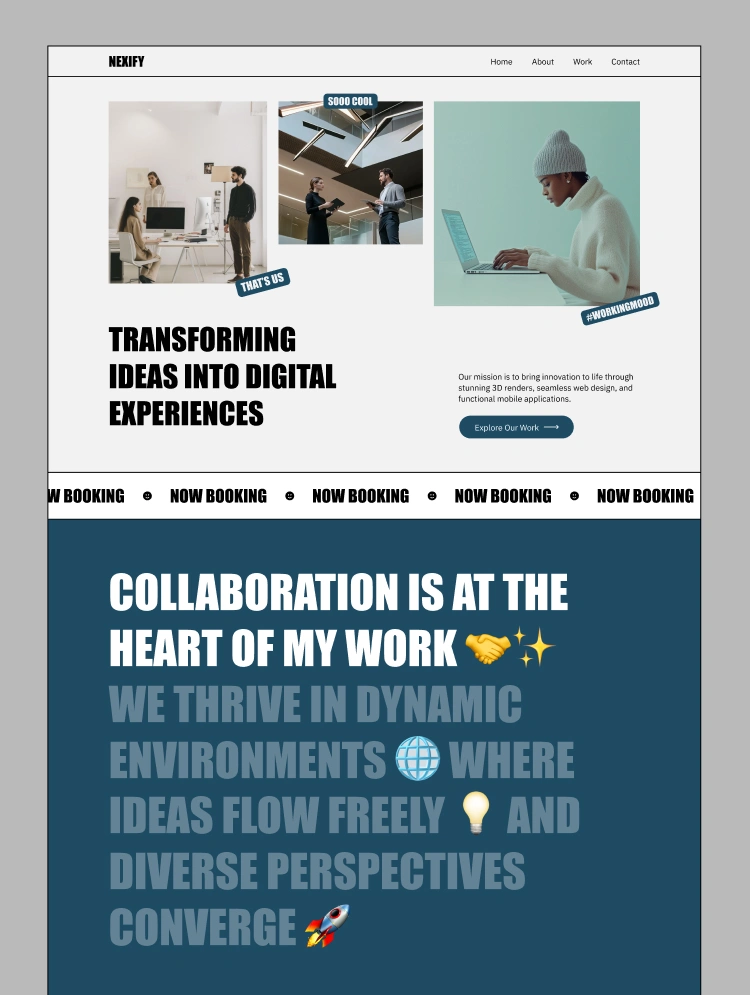
Bold uppercase headlines and a scrolling ticker give this one a loud, energetic personality, made for agencies and creatives who want to be remembered. See Altverse.
Celestial (Webflow)
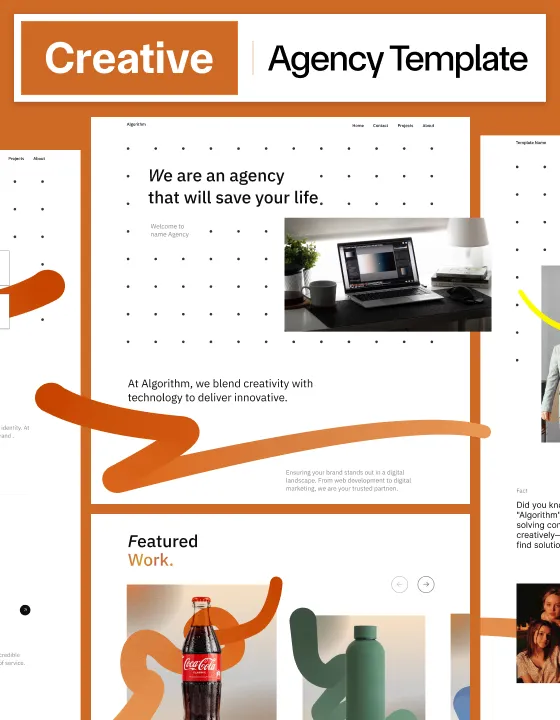
A playful agency template with orange brush strokes and a featured work section, crafted specifically for design agencies. See Celestial.
How to choose a portfolio template
- Let your work decide. Lots of visual work (photography, illustration) needs big images and little else. Process-heavy work (UX, product design) needs room for case studies.
- One page or many? A one-page template is quicker to finish and keep up to date. Pick multi-page only if you'll write real case studies.
- Your personality, in moderation. The template should hint at your style without competing with the work. If the template is the loudest thing on the page, it's the wrong one.
- Check how you'll update it. You'll add new work for years. Make sure adding a project is easy in Webflow's or Framer's editor before you commit.
- Look on a phone. Clients often open portfolios from a link in a message or an email, on their phone.
Make it yours
Whatever you choose, replace every placeholder, especially the headline, with your own words. Six great projects beat twenty average ones. And add a clear way to contact you on every page.
All eight are on Oversight Supply, where you can preview each one live before deciding.