
Website Design · · 4 min read
404 Page Design: 7 Creative Examples and How to Make Your Own
A 404 page is a dead end you get to design. Here are seven creative 404 pages I made, what each one does well, and the essentials every 404 page needs.
By Florent, Oversight
Every website has a page people land on by accident: the 404, shown when a link is broken or a URL is mistyped. Most sites leave it as an afterthought. That's a missed chance, because a good 404 page does two jobs at once. It gets the visitor back on track, and it shows some personality at the exact moment they expected an error.
Below are seven 404 pages I designed as ready-made sections, what each one does well, and the practical rules every 404 page should follow, creative or not.
What every 404 page needs
Before the fun part, the essentials. A beautiful 404 that leaves people stuck has failed.
- Say what happened, plainly. "This page doesn't exist" beats an error code on its own.
- A clear way back. At minimum a button to the homepage. Better: links to your most useful pages, or a search box.
- Keep your header and branding, so people know they're still on your site.
- Return a real 404 status. Your server should send a 404 code, not a normal page that says "not found". Otherwise search engines may index the error page.
- Keep it light. It should load instantly; this is a recovery page, not a showcase.
Now, the examples.
1. Breakout: a 404 you can play
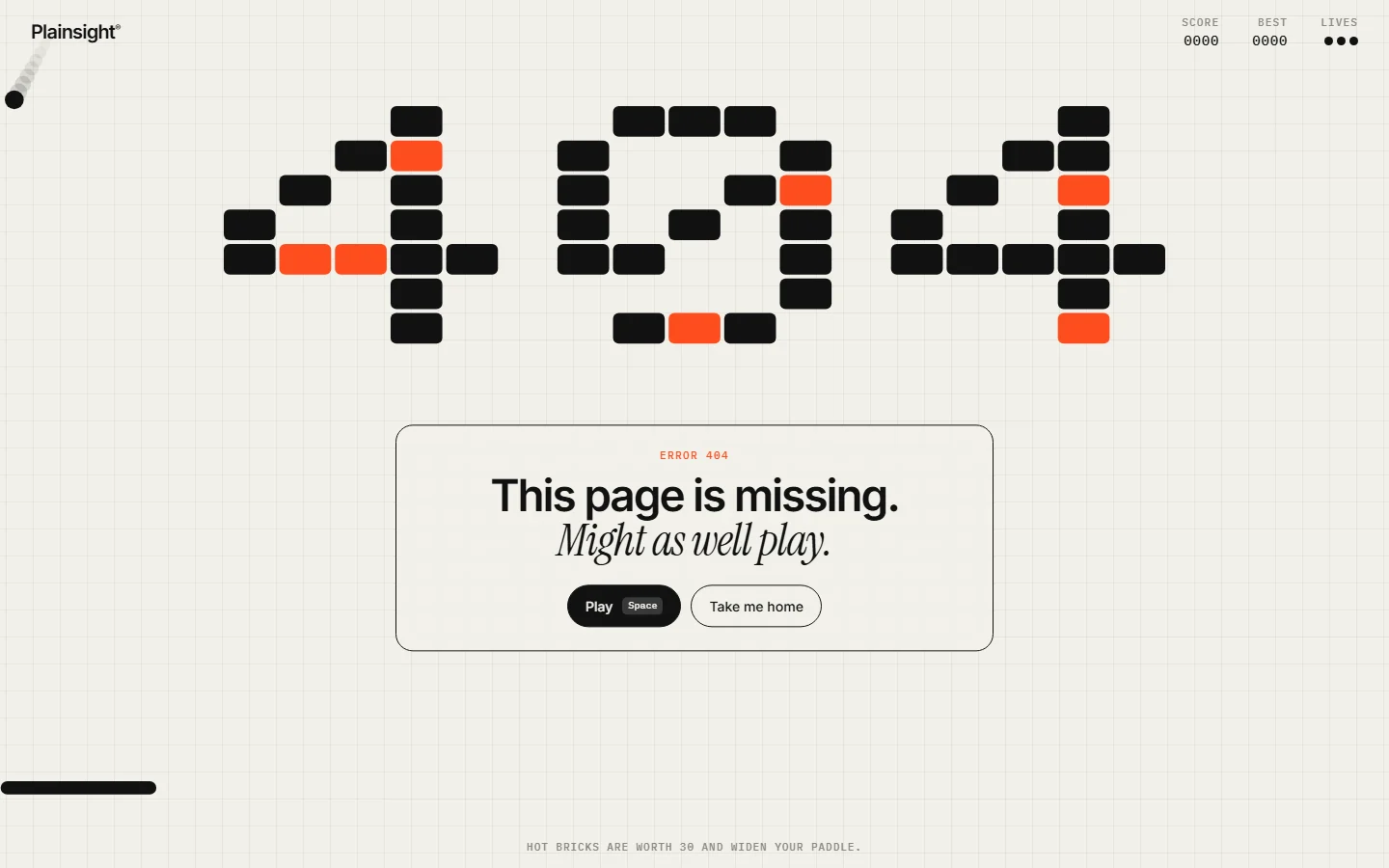
The digits are built from bricks, and the message is "This page is missing. Might as well play." A Play button turns the 404 into a small Breakout game, and a "Take me home" button sits right next to it.
Why it works: it turns frustration into a moment of play, and it's on brand for a playful product. The way home is still one click away. See the Breakout 404 section.
2. CRT: a retro TV with no signal
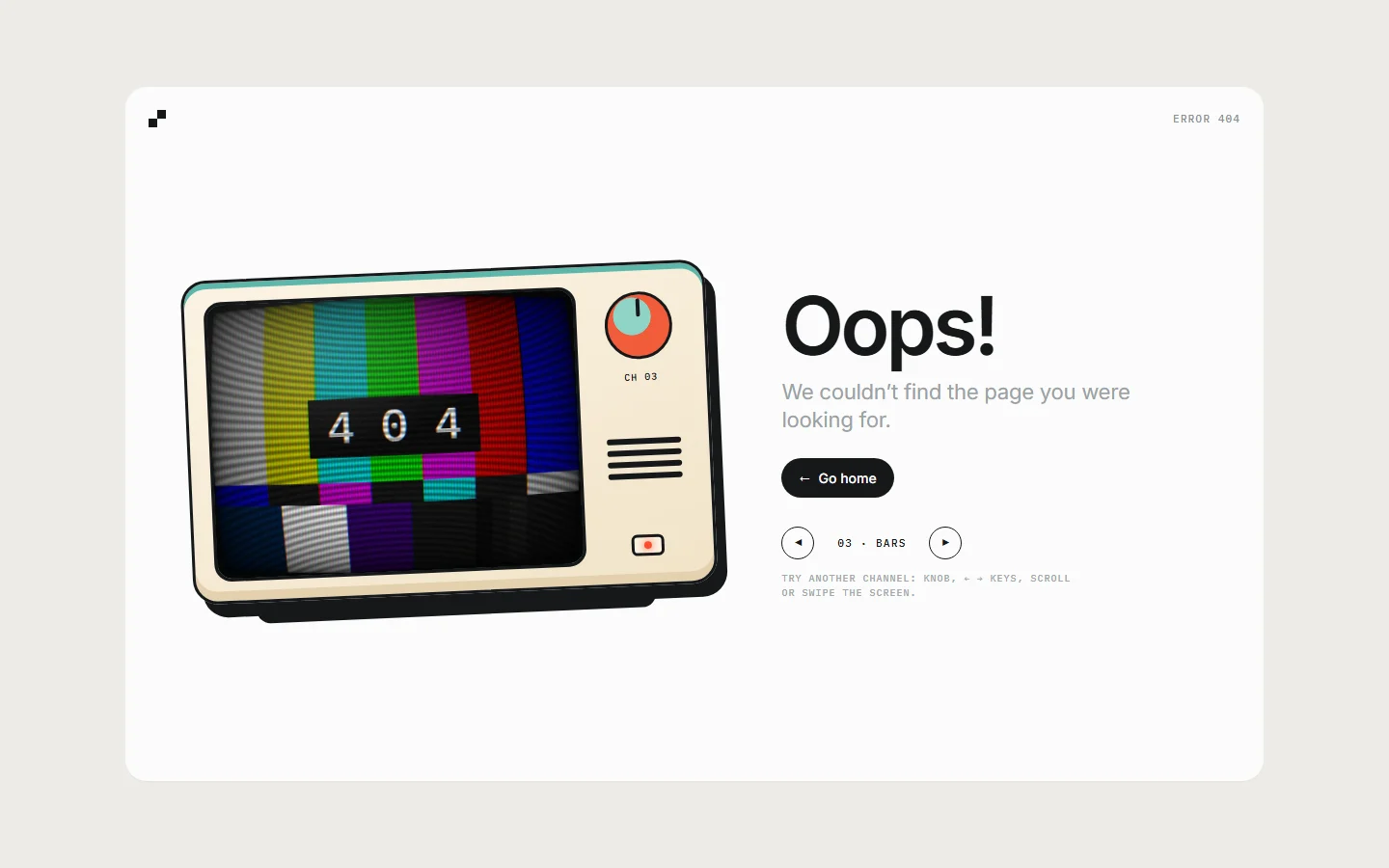
A retro television shows colour bars and "404", next to a friendly "Oops!" and a Go home button.
Why it works: "no signal" is a metaphor everyone understands instantly. The layout is calm, with the message and button given plenty of space. See the CRT 404 section.
3. Halo: one bold 3D object
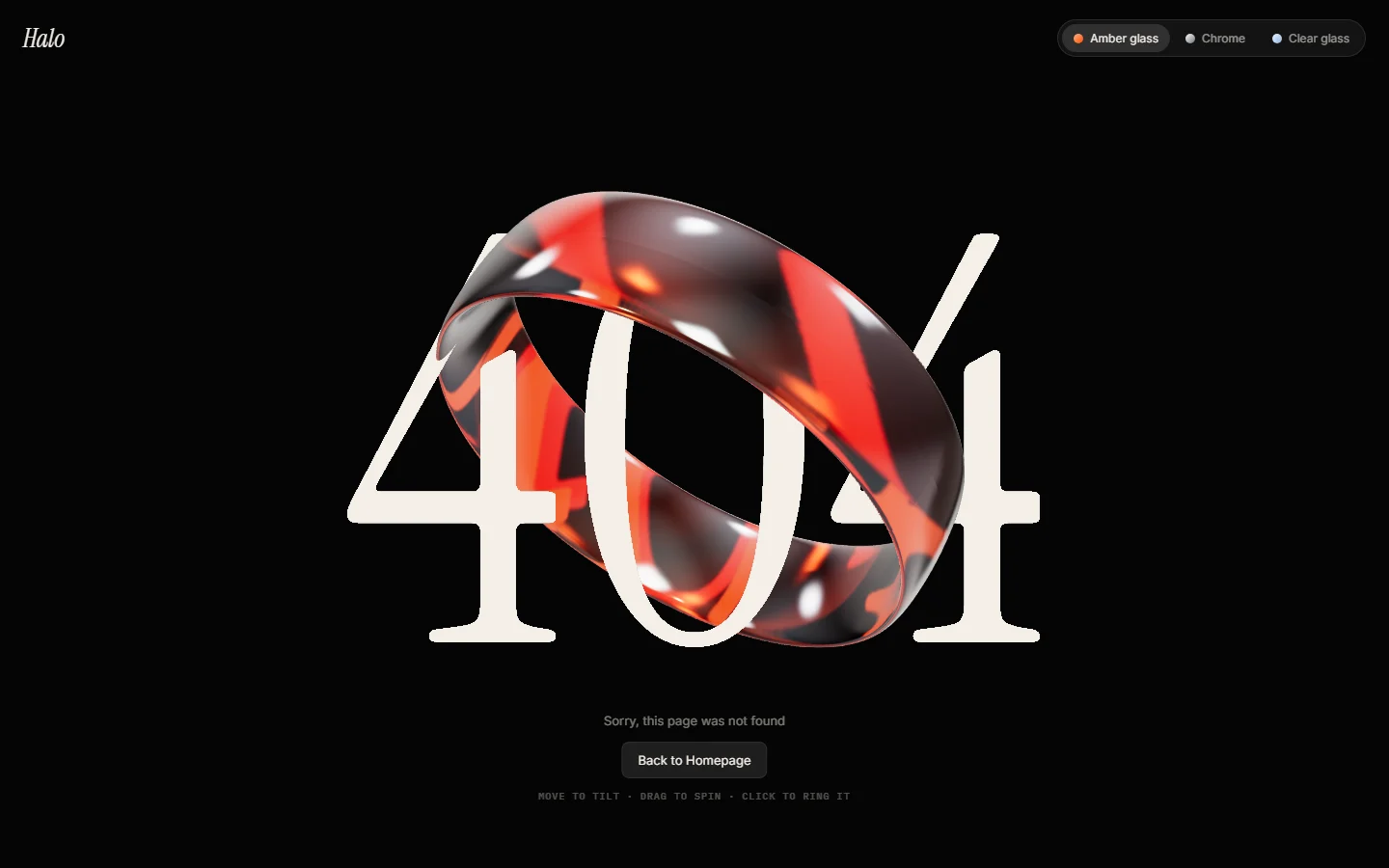
A glossy red ring weaves through a large serif "404" on a black background, with a short message and a button underneath.
Why it works: one striking object and nothing else. It's a good fit for premium, editorial or fashion brands where the 404 should feel as considered as the homepage. See the Halo 404 section.
4. Mosaic: built from tiny tiles
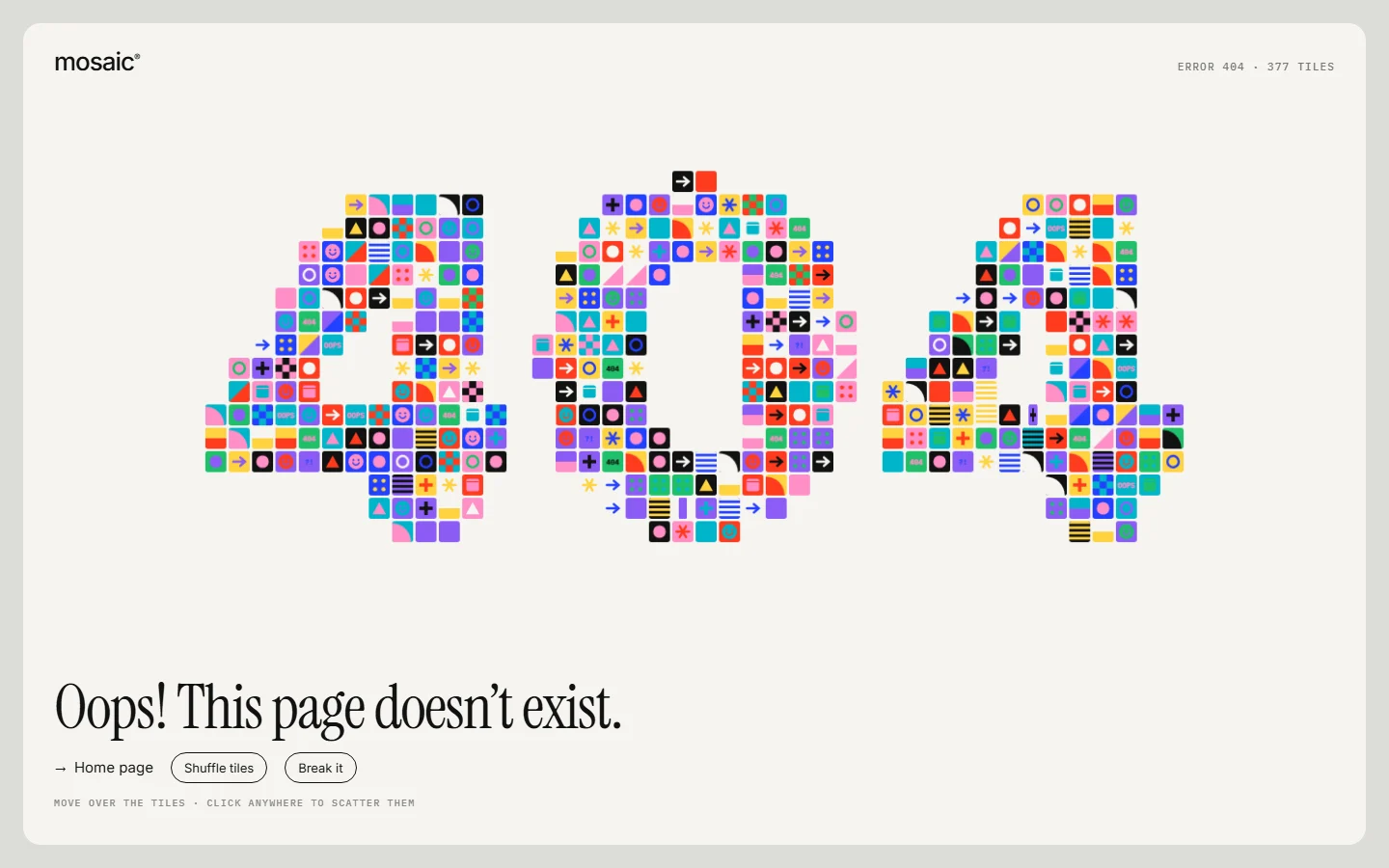
The number is made of dozens of small colourful tiles, with "Oops! This page doesn't exist." and links back to the homepage.
Why it works: it's colourful and playful without getting in the way, and it offers more than one way back instead of a single button. See the Mosaic 404 section.
5. Planet: a pixel-art world for the zero
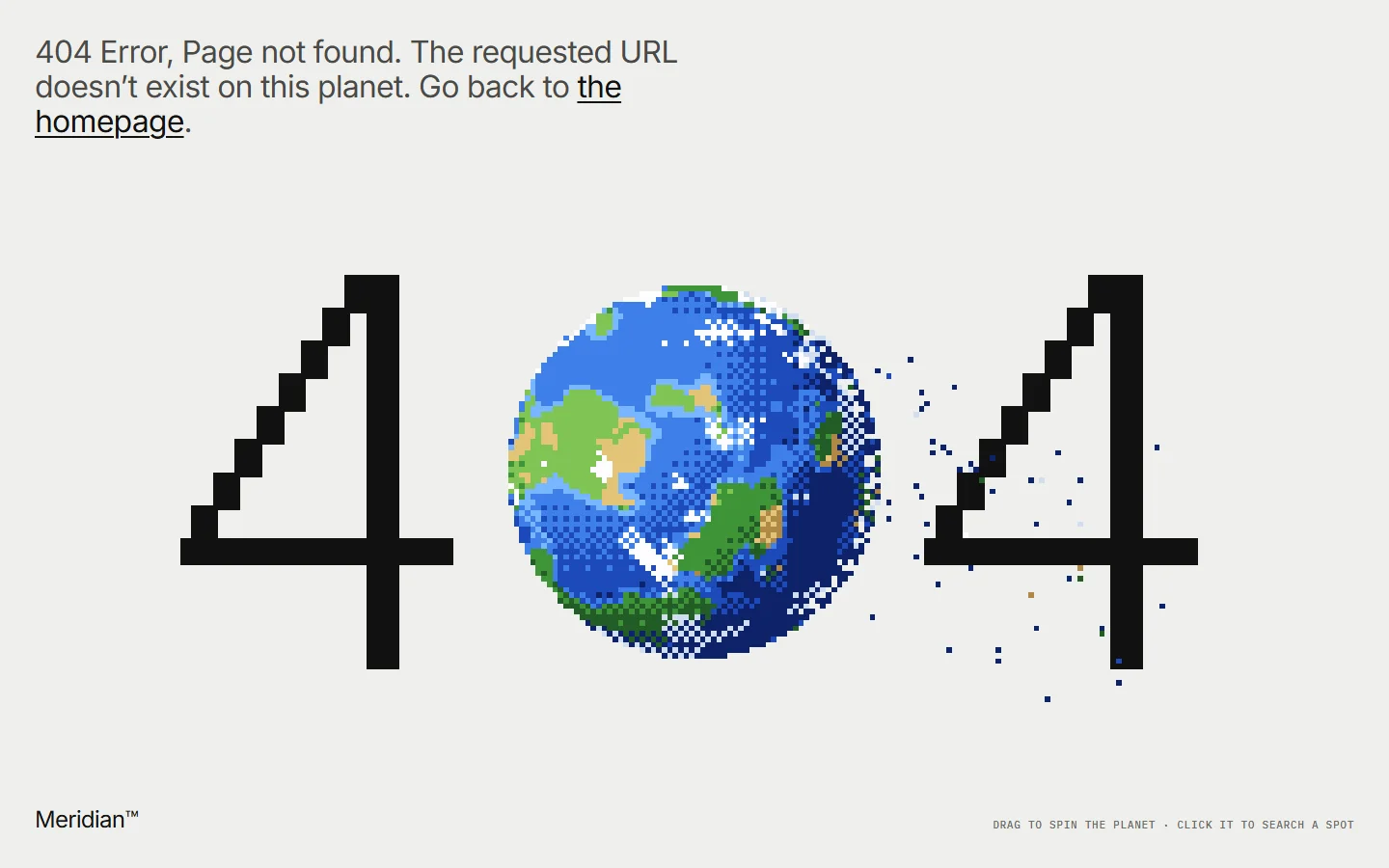
A pixel-art Earth replaces the zero, scattering into pixels, with the line "The requested URL doesn't exist on this planet. Go back to the homepage."
Why it works: a single visual pun, carried all the way into the copy. The homepage link sits right at the top, where people look first. See the Planet 404 section.
6. Receipt: Lost & Found, with search
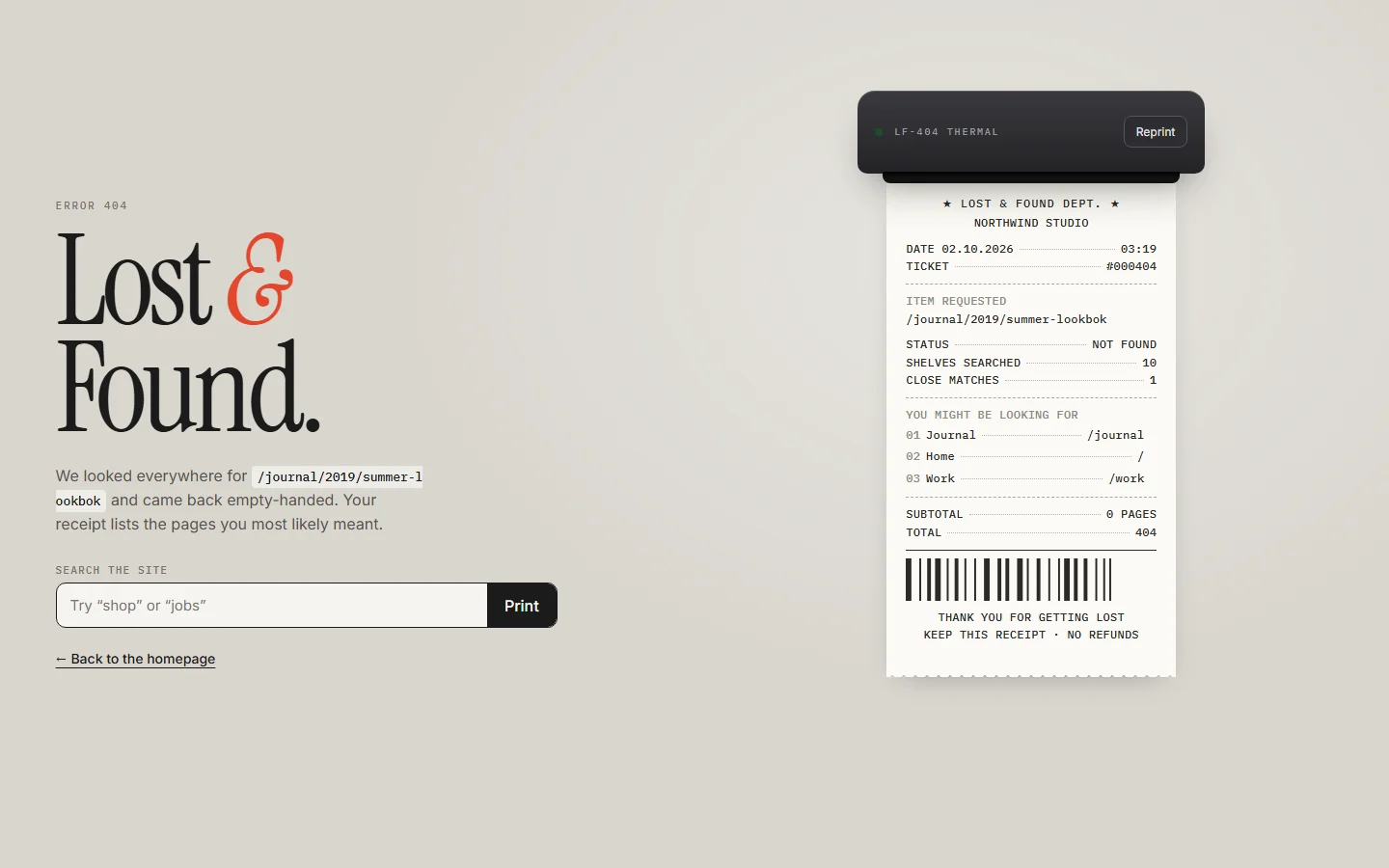
A "Lost & Found" headline sits next to a printed receipt, with a search field underneath and a link back to the homepage.
Why it works: it includes search, the most useful thing a 404 can offer on a site with lots of content. The receipt makes a dull moment feel crafted. See the Receipt 404 section.
7. Scribble: hand-drawn on black
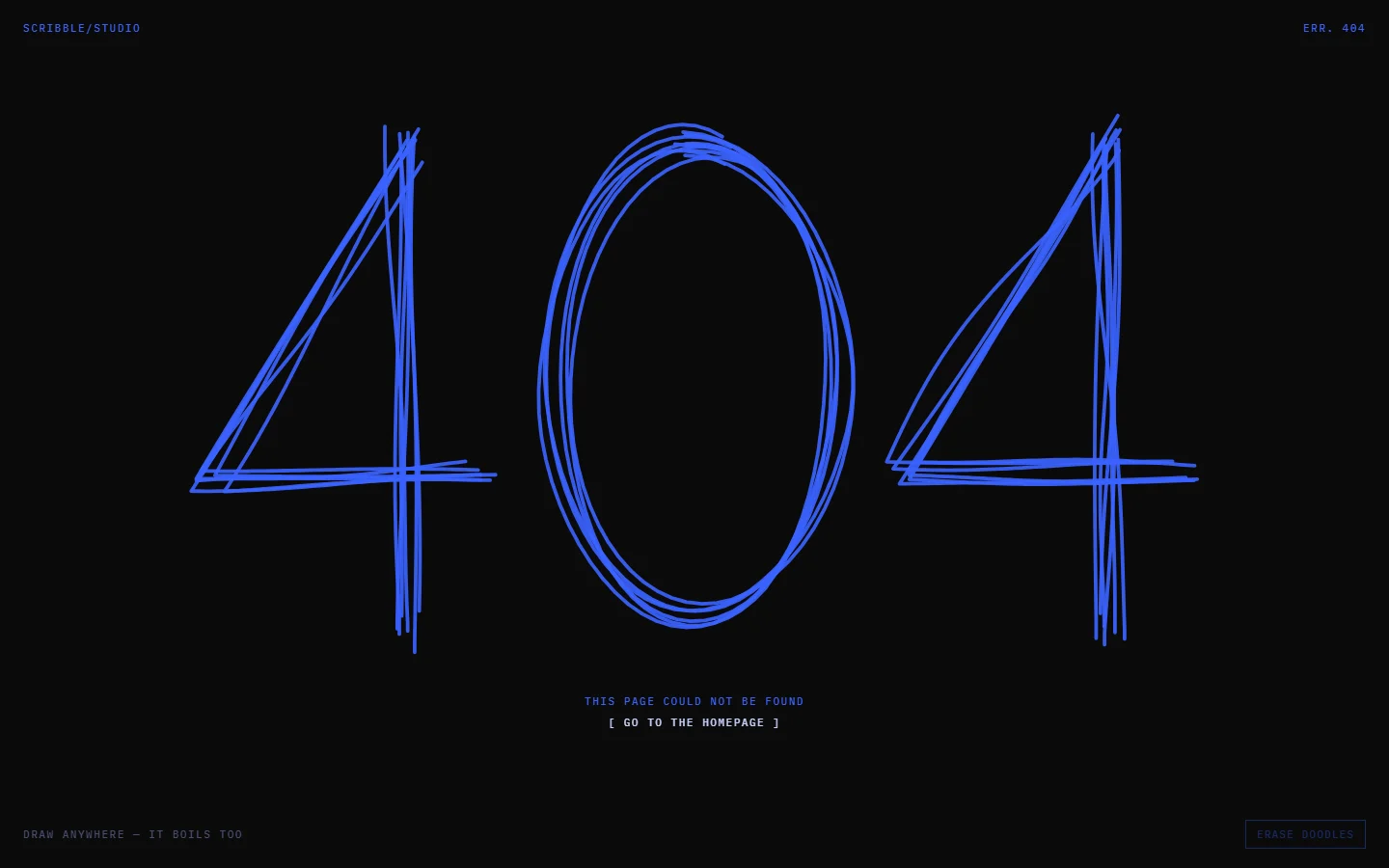
A hand-drawn, scribbled blue "404" on black, with a short line of text and a way home below.
Why it works: it feels human and informal, which suits creative studios and personal sites. The simplicity keeps it fast. See the Scribble 404 section.
How to make your own 404 page
- Pick one idea. A metaphor (no signal, lost & found, off the planet) or a moment of play. Don't combine several.
- Write the copy first. One short headline, one sentence, one or two buttons.
- Add the way back. Homepage button, plus search or your top links if your site is large.
- Match your brand. Same fonts, same colours, same header. The 404 is part of the site.
- Test it. Visit a made-up URL on your site, check it returns a 404 status, and click every link on it.
Most frameworks and site builders let you set a custom 404 page. In Next.js it's a not-found file, in Webflow and Framer it's a dedicated 404 page you can design like any other.
Use one of these
All seven are available as sections on Oversight Supply. Open any of them, preview it live, and copy it as a single prompt for Claude, Cursor or v0 to drop into your own site. They're Pro sections, included with the Starter, Monthly and Lifetime plans.