
Webflow & Framer · · 3 min read
6 App Landing Page Templates That Make Your App Look Great
An app landing page has one job: get the download. Here are six Webflow templates built around phone mockups and big product moments, and what every app page needs.
By Florent, Oversight
An app landing page is simpler than a full SaaS website. Most visitors arrive from an ad, a social post or a launch, and you have a few seconds to show what the app does and get them to the App Store or Google Play.
Here are six app templates from the Oversight Supply catalog, each built around showing the app itself, plus the essentials every app page needs.
What every app landing page needs
- The app on a phone, above the fold. People decide based on what the interface looks like.
- One-line value proposition. What does it do, for whom? "Wake up refreshed" beats "Smart sleep technology".
- Download buttons in the hero and again at the end. Use the official store badges.
- Three to five key features, each with its own screen.
- Real ratings or reviews, only if you have them.
- Fast on mobile. Most visitors will be on a phone; heavy video backgrounds hurt.
The templates
Armor: for AI apps
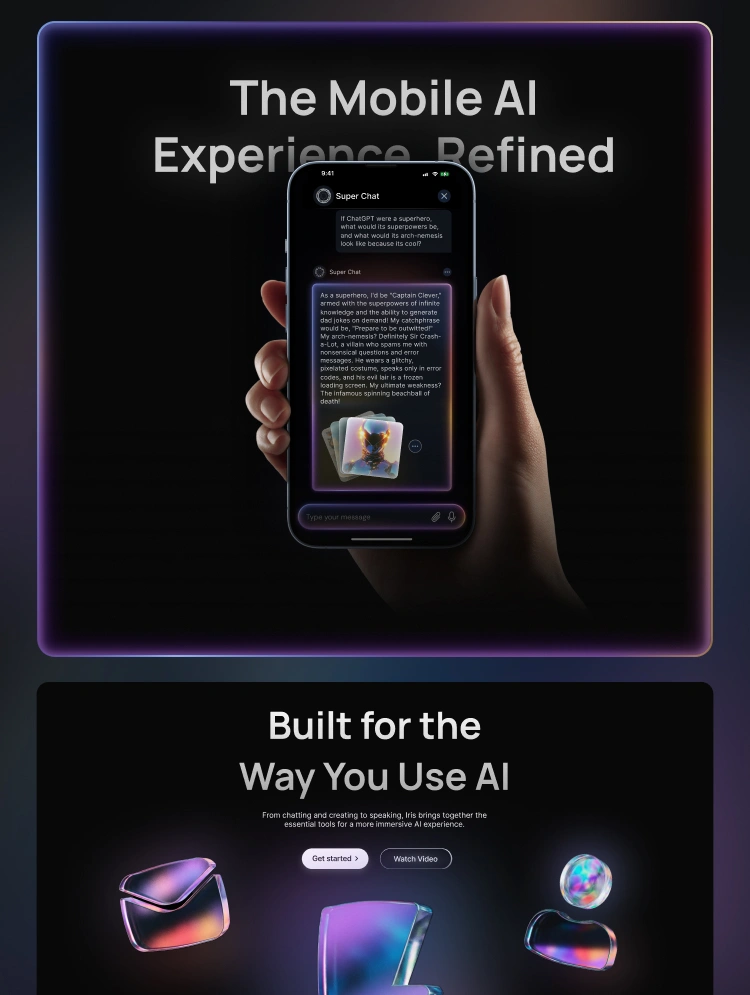
A premium dark template made for AI chat apps, SaaS startups and modern software brands. A hand holding the phone puts the product in a real-world context. See Armor.
Snooze: for calm, everyday apps
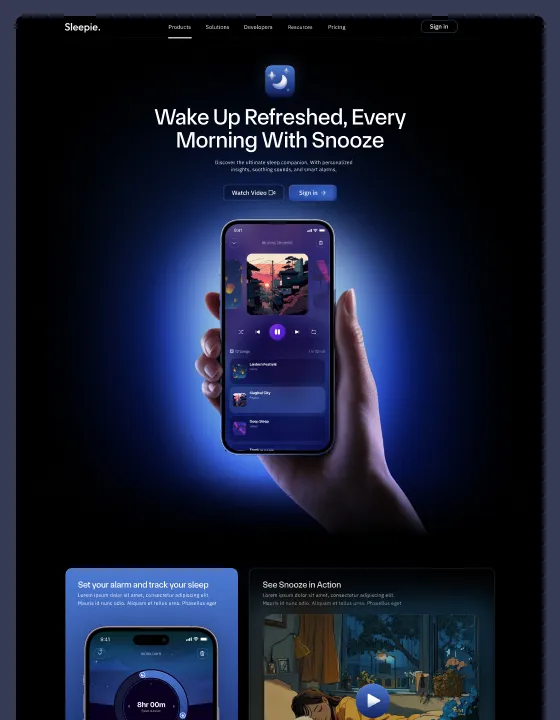
Cool blue tones and a glowing phone in hand, built for showcasing a mobile app. Its calm mood suits sleep, wellbeing and lifestyle apps. See Snooze.
Soundwave: for music and media apps
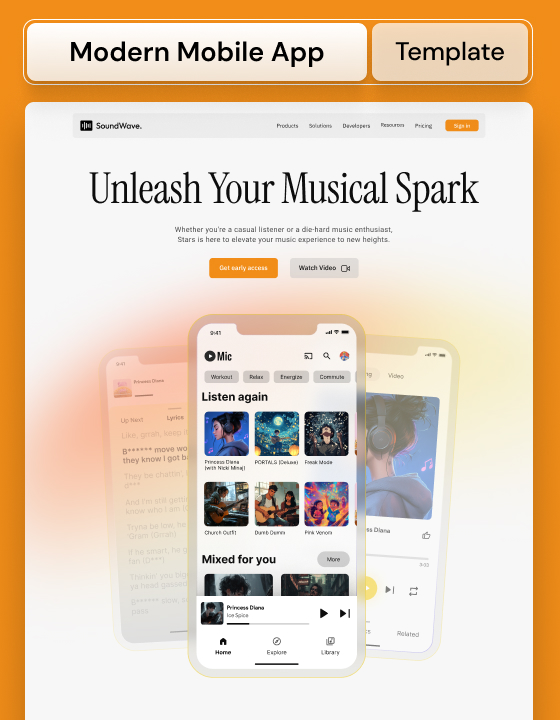
A bright, energetic template with a big serif headline and a phone full of album art, made to present a mobile app in a striking way. Great for music, audio and media products. See Soundwave.
Bubblegum: for colourful consumer apps
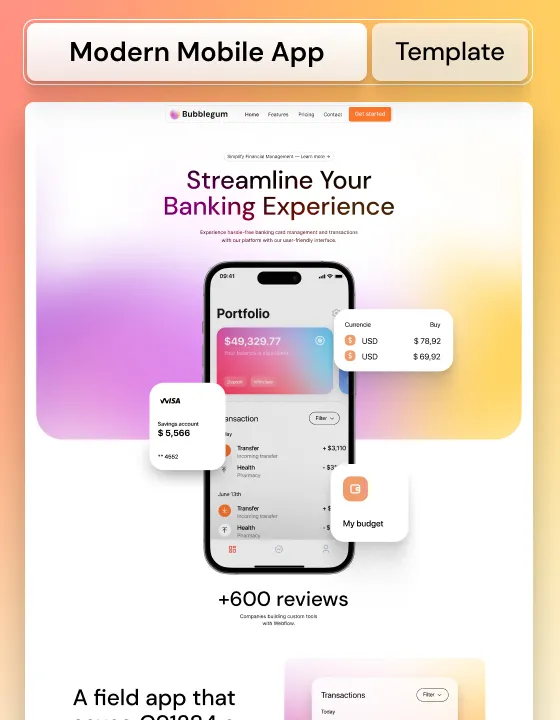
A modern, colourful template for presenting a mobile app in a fun way, with floating UI cards around the phone. It works especially well for finance and productivity apps aimed at consumers. See Bubblegum.
Snowie: a seasonal AI app page
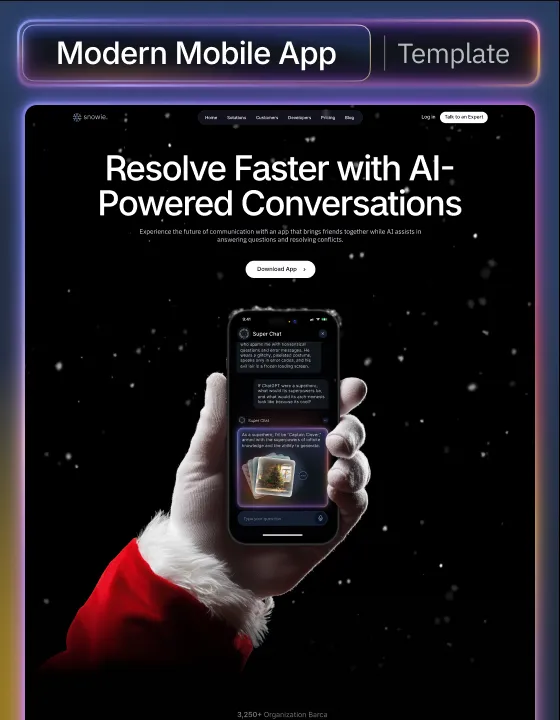
A mobile app and AI template with a Christmas theme and falling snow. Useful for a seasonal campaign or a holiday launch. See Snowie.
Blured: for desktop apps
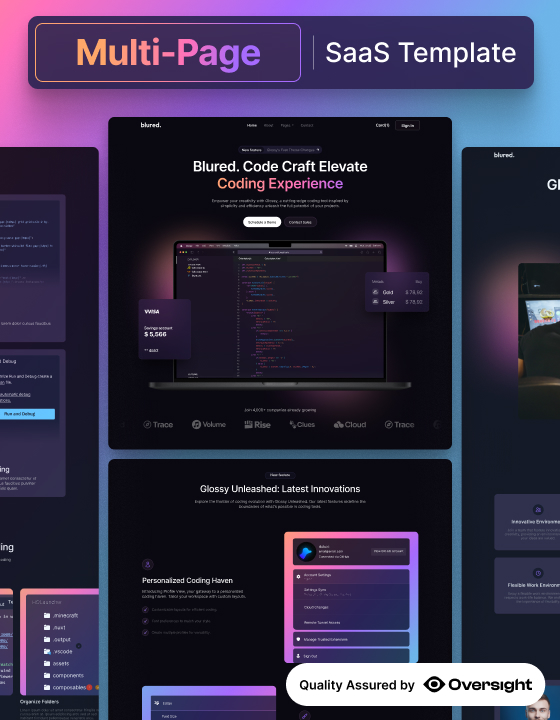
Not every app lives on a phone. Blured is designed to present a desktop app, with a dark, glassy look that suits developer and creative tools. See Blured.
How to make an app page convert
- Lead with the outcome, not the feature. People download results.
- Show real screens. Replace every mockup with your actual app before launch.
- Keep the path short. Hero, three features, proof, download. Every extra section is a chance to leave.
- Test the store links on a real phone. It's the most important button on the page.
- Use the right badge for the device. Many sites show both stores; at minimum, make sure both work.
You can preview all six live on Oversight Supply. For bigger products with pricing and multiple pages, see SaaS website templates.