
Webflow & Framer · · 3 min read
8 SaaS Website Templates for Webflow (and How to Pick One)
A SaaS site has to explain the product fast and get people to try it. Here are eight Webflow templates built for that, and how to choose the right one for your product.
By Florent, Oversight
A SaaS website has a hard job: explain a product people can't touch, in a few seconds, and get them to sign up or book a demo. A good template already solves the layout problems (where the product screenshot goes, how features are grouped, where pricing sits), so you can focus on what makes your product different.
Here are eight SaaS templates from the Oversight Supply catalog, with what each one is best for.
What a good SaaS template needs
- A product-first hero. A real screenshot or UI mockup above the fold. People want to see the thing.
- A feature section that scales. You'll add features over time; the layout should handle six as well as three.
- Room for proof you actually have. Customer logos, quotes or numbers, but only real ones. Leave the section out until you have them.
- A pricing section that's easy to compare at a glance.
- Several page types. At minimum: home, pricing, about, blog and contact. A changelog or docs page is a bonus.
- A dark or light look that matches your product UI, so the jump from site to app feels natural.
Dark, product-led templates
BlueHours
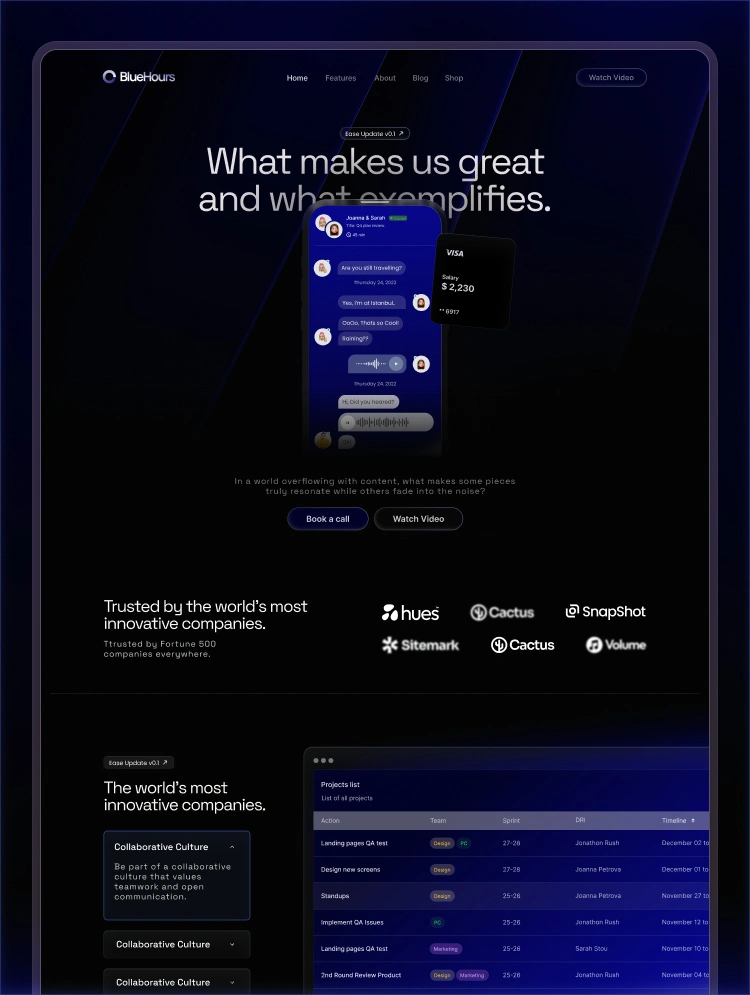
A premium dark template for apps, startups and SaaS products, with deep blue tones and the product front and centre. A strong pick if your app itself has a dark interface. See BlueHours.
Credit
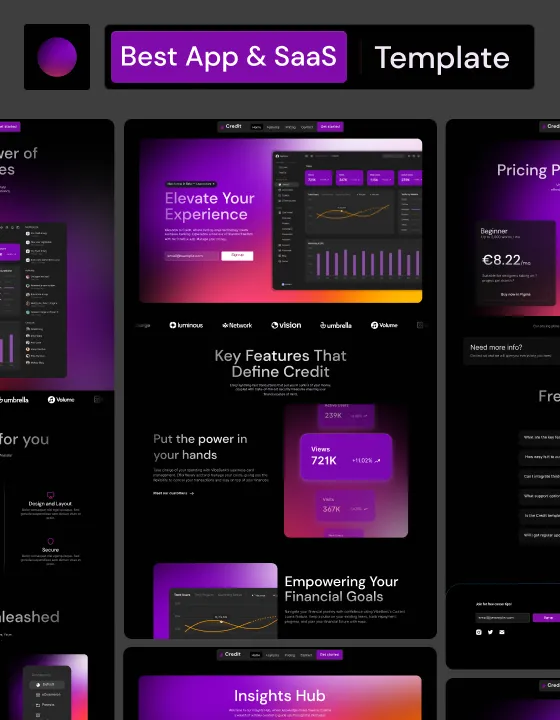
A dark-themed app and SaaS template with glowing purple accents and lots of dashboard-style cards. It suits fintech, analytics and anything with numbers to show. See Credit.
DataDash
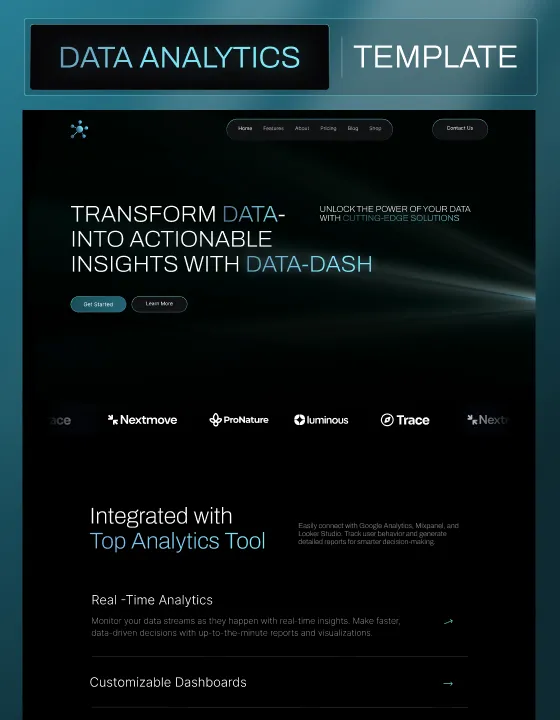
A dark template designed for data and analytics products, with a bold "transform data into insights" style hero and space for integrations. See DataDash.
Capra
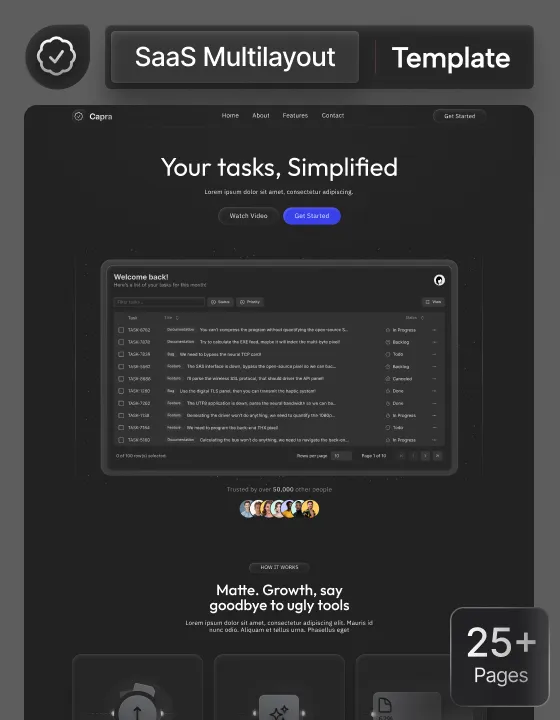
A dark, minimal template built around a big product screenshot. Good for productivity and task-management tools where the interface sells itself. See Capra.
Bright, friendly templates
NotifyPro
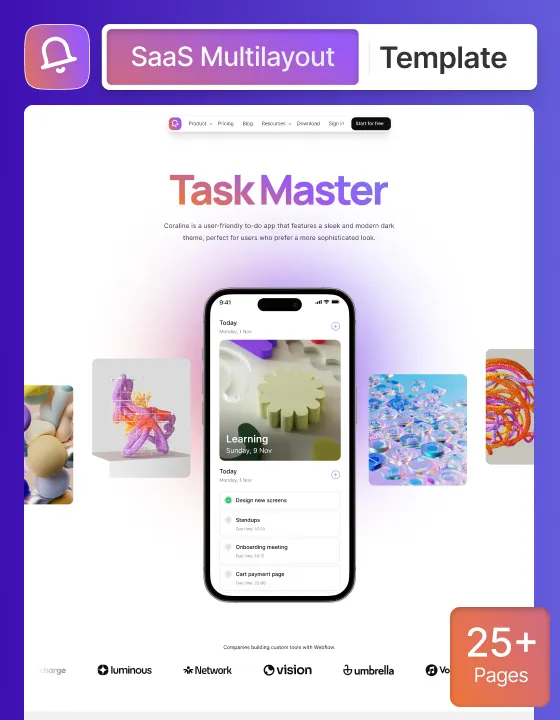
A bright, playful template with a phone mockup and colourful 3D shapes. It works for consumer-friendly apps and productivity tools that want to feel approachable. See NotifyPro.
Colourless
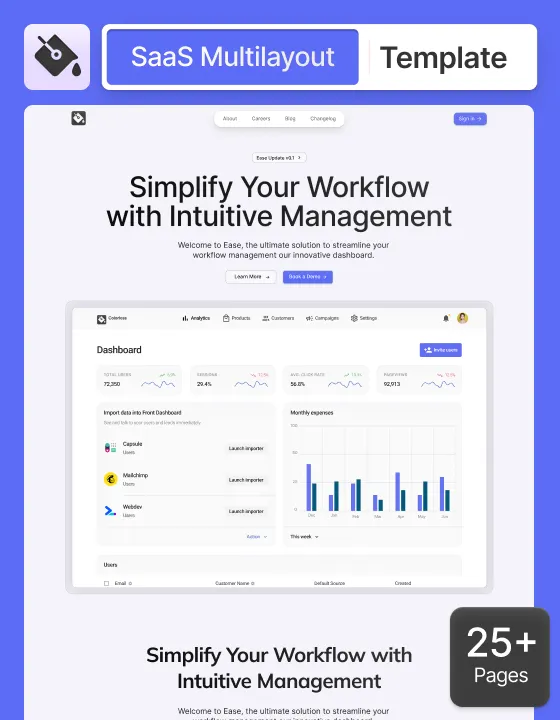
A clean, light app and SaaS template built around a dashboard screenshot and a "simplify your workflow" message. A safe, professional choice for B2B tools. See Colourless.
Credix
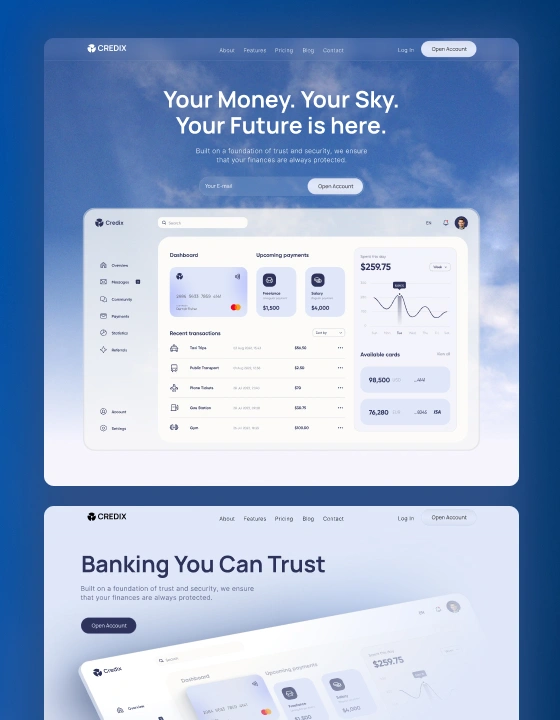
A crisp white canvas with subtle blue highlights and sky imagery, built to feel calm and trustworthy. Ideal for fintech and banking products. See Credix.
Branch
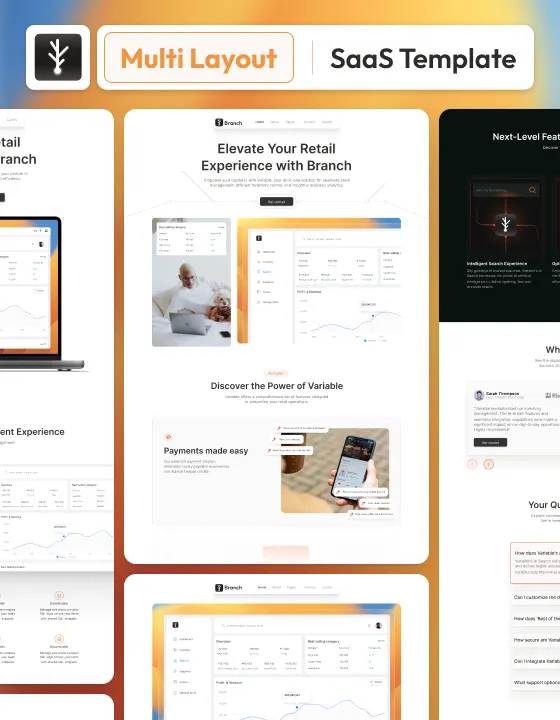
A light app and SaaS template with several layouts and plenty of product screenshots, made for teams that want multiple homepage options to choose from. See Branch.
How to choose
- Match your product's UI. If your app is dark, a dark site makes the screenshots look right at home, and the other way round.
- Think about your buyer. Finance and enterprise buyers want calm and trustworthy (Credix, Colourless). Developers and power users are fine with bold and dark (BlueHours, Capra). Consumers like friendly and colourful (NotifyPro).
- Count the pages you'll actually use. More page types is only better if you'll fill them.
- Replace every screenshot with your real product. Nothing makes a SaaS site feel more generic than mockups that don't match the app.
Before you launch
Write the hero headline in your customer's words, not your feature names. Put one clear call to action ("Start free" or "Book a demo") in the hero and repeat it after pricing. And make sure every number, logo and quote on the page is real.
You can preview all eight live on Oversight Supply, and there are more in the full template catalog.